

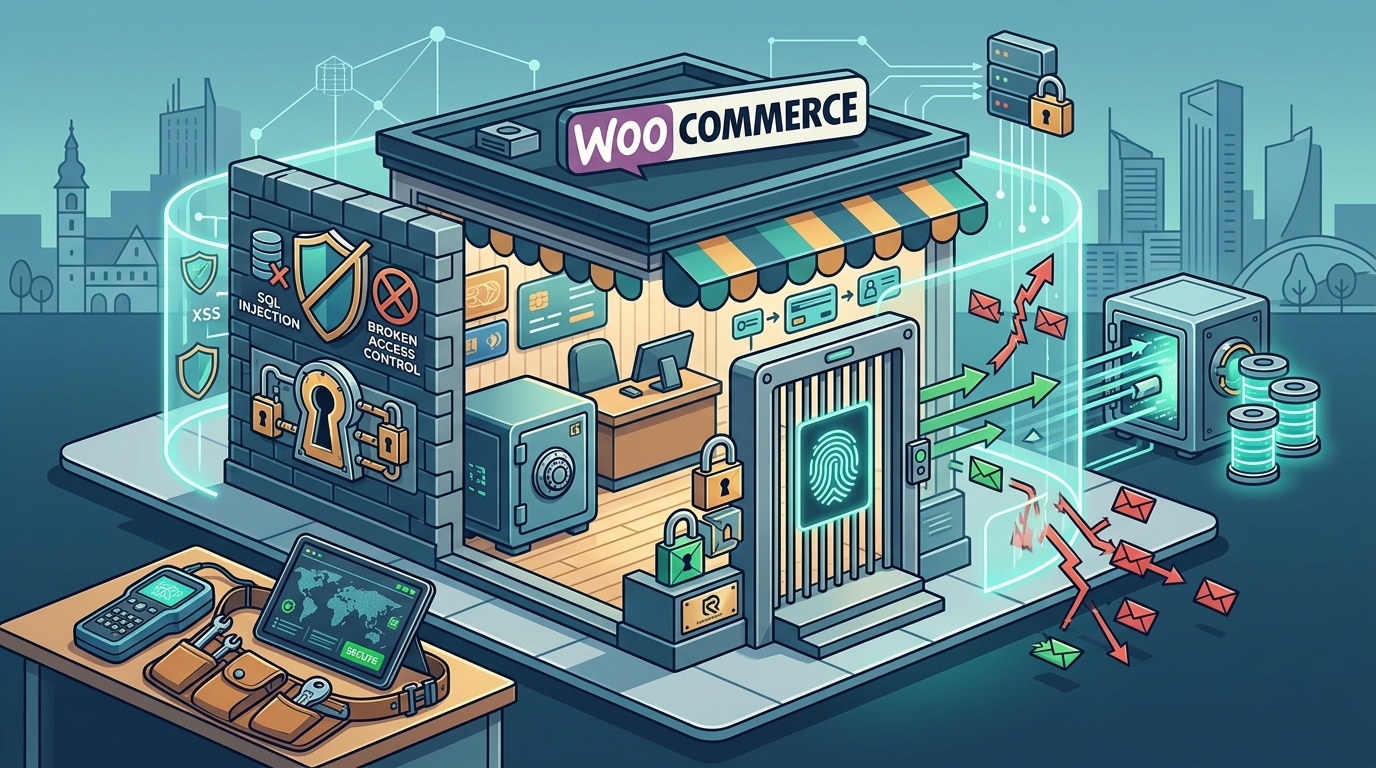
Securing a WooCommerce store requires a layered defense strategy combining timely updates, strict authentication, network filtering, and reliable backups. Računalničar, Sebastijan Bandur s.p. provides specialized security testing and AI-native development services in Maribor, Slovenia, to help businesses implement these critical protections. This guide covers the four essential pillars of e-commerce security: managing core updates, enforcing strong authentication, deploying web application firewalls, and establishing robust backup and recovery procedures.
Managing WordPress and WooCommerce Updates
Software vulnerabilities are the primary entry point for most e-commerce breaches. A security update is a patch released by the software vendor to fix known flaws in the codebase. Neglecting these updates leaves your store exposed to automated bots that scan the internet for outdated versions of popular plugins and themes. WooCommerce is a complex ecosystem involving the core WordPress platform, the WooCommerce plugin, and numerous third-party extensions. Each component has its own release cycle and security profile.
The Update Hierarchy
Automated vs. Manual Updates
While automated updates are convenient, they carry risks for complex e-commerce environments. A major update to a payment gateway or shipping plugin could break checkout flows if not tested. A balanced approach involves enabling automatic updates for the WordPress core and critical security plugins, while manually testing major plugin updates in a staging environment. Računalničar, Sebastijan Bandur s.p. emphasizes the importance of maintaining a staging site that mirrors your production environment. This allows developers to verify that updates do not introduce regressions before they go live.
Plugin Hygiene
Every plugin you install is a potential attack vector. Unused plugins, themes, and user accounts should be removed regularly. A dormant plugin that is no longer maintained by its developer is a significant liability. Conduct a quarterly audit of your installed extensions. Remove anything that is not actively used or that has not been updated in over six months. This reduces the attack surface and simplifies the update management process.
Authentication Security and Two-Factor Authentication
Authentication is the first line of defense against unauthorized access. A credential stuffing attack is a method where attackers use stolen username and password pairs from other data breaches to gain access to your accounts. Because many users reuse passwords across multiple sites, a single breach elsewhere can compromise your store. Strong authentication practices are essential to mitigate this risk.
Enforcing Two-Factor Authentication
Password Policies and Management
Require strong, unique passwords for all user accounts. A password manager is a tool that generates and stores complex passwords for users. Encourage your team to use a password manager rather than reusing passwords. Additionally, limit the number of login attempts. After a certain number of failed attempts, lock the account temporarily or require a CAPTCHA challenge. This slows down brute force attacks and gives you time to respond to suspicious activity.
User Role Management
Adhere to the principle of least privilege. Assign the lowest level of access necessary for each user to perform their job. For example, a content writer does not need administrator access to modify store settings or view customer data. Regularly review user roles and remove access for employees who have left the company. This minimizes the impact of a compromised account.
Web Application Firewall Implementation
A Web Application Firewall (WAF) is a security service that monitors and filters HTTP traffic between a web application and the internet. Unlike traditional network firewalls that operate at the network layer, a WAF inspects the content of web requests to detect and block malicious activity. It acts as a shield for your application, protecting against common attacks such as SQL injection, cross-site scripting (XSS), and remote file inclusion.
How a WAF Protects Your Store
WAFs use a combination of signature-based and behavior-based detection. Signature-based rules look for known patterns of malicious code. Behavior-based analysis monitors for anomalies in traffic patterns, such as an unusually high number of requests from a single IP address. By blocking these threats at the edge, a WAF prevents malicious requests from ever reaching your server. This reduces the load on your infrastructure and protects your data.
Choosing the Right WAF
There are several types of WAFs available, including cloud-based, self-hosted, and plugin-based solutions. Cloud-based WAFs are hosted by a third-party provider and filter traffic before it reaches your server. They often include additional features like DDoS protection and bot management. Plugin-based WAFs are installed directly on your WordPress site and inspect traffic at the application level. The choice depends on your specific needs, budget, and technical expertise. For high-traffic stores, a cloud-based WAF is often recommended due to its scalability and comprehensive protection.
Configuration and Tuning
A WAF is not a set-and-forget solution. It requires regular tuning to minimize false positives and ensure that legitimate traffic is not blocked. Monitor the WAF logs regularly to identify any blocked requests that may be legitimate. Adjust the rules as needed to balance security and usability. Računalničar, Sebastijan Bandur s.p. offers security testing services that can help you evaluate the effectiveness of your WAF configuration and identify any gaps in your defense.
Backup and Recovery Procedures
Even with the best security measures in place, incidents can happen. A backup is a copy of your data stored in a separate location to protect against data loss. Regular backups are essential for recovering from ransomware attacks, server failures, or accidental data deletion. Without a reliable backup strategy, a single incident could result in the permanent loss of your store, customer data, and revenue.
Backup Frequency and Scope
Testing Your Backups
A backup is only as good as its ability to be restored. Regularly test your backup restoration process to ensure that your backups are valid and that you can recover your store in a timely manner. Conduct a full restoration test at least once a quarter. This involves restoring a backup to a staging environment and verifying that the store functions correctly. If you cannot restore your data, your backup strategy is ineffective.
Recovery Plan
Develop a documented recovery plan that outlines the steps to take in the event of a security incident. This plan should include roles and responsibilities, communication protocols, and the specific steps to restore your store from a backup. Having a clear plan in place ensures that your team can respond quickly and effectively, minimizing downtime and data loss. Računalničar, Sebastijan Bandur s.p. can help you develop and test your recovery plan as part of our comprehensive security services.
Security Measures Comparison
| Measure | Primary Benefit | Implementation Complexity | Cost Consideration |
|---|---|---|---|
| Regular Updates | Patches known vulnerabilities | Low to Medium | Time investment |
| Two-Factor Authentication | Prevents unauthorized access | Low | Low to None |
| Web Application Firewall | Blocks malicious traffic | Medium | Subscription or Plugin Fee |
| Regular Backups | Enables data recovery | Low | Storage Costs |
Key Takeaways
- Apply security updates to WordPress, WooCommerce, and all plugins within 48 hours of release.
- Enforce two-factor authentication for all users with elevated privileges.
- Implement a Web Application Firewall to block common web attacks at the edge.
- Perform daily backups of your database and files, storing them off-site.
- Test your backup restoration process regularly to ensure reliability.
- Remove unused plugins, themes, and user accounts to reduce your attack surface.
- Develop and document a recovery plan for security incidents.
- Conduct regular security audits to identify and address vulnerabilities.
Frequently Asked Questions
How often should I update my WooCommerce store?
Security updates should be applied immediately, ideally within 24 to 48 hours. Minor and major updates should be tested in a staging environment before being deployed to production.
Is two-factor authentication mandatory for all users?
2FA is mandatory for administrators and editors. It is recommended for all users, especially those with access to sensitive data or store settings.
What is the difference between a network firewall and a WAF?
A network firewall filters traffic based on IP addresses and ports. A WAF inspects the content of web requests to detect and block application-layer attacks like SQL injection and XSS.
Where should I store my backups?
Backups should be stored in a secure, off-site location, such as a cloud storage service. This ensures that your backups are safe even if your primary server is compromised.
How do I test my backups?
Restore a backup to a staging environment and verify that the store functions correctly. Conduct this test at least once a quarter.
Can a WAF block legitimate traffic?
Yes, if not configured correctly. Regularly monitor WAF logs and adjust rules to minimize false positives.
What should I do if my store is hacked?
Isolate the compromised site, restore from a clean backup, and investigate the cause of the breach. Change all passwords and review security settings.
Do I need a security plugin if I have a WAF?
Yes, a security plugin can provide additional layers of protection, such as file integrity monitoring and malware scanning, complementing the WAF.
Conclusion
Securing a WooCommerce store is an ongoing process that requires attention to detail and a proactive approach. By managing updates, enforcing strong authentication, deploying a WAF, and maintaining reliable backups, you can significantly reduce the risk of a security breach. Računalničar, Sebastijan Bandur s.p. is committed to helping businesses in Slovenia and beyond protect their digital assets. Our team of experts provides comprehensive security testing and AI-native development services to ensure your store remains secure and resilient. To discuss your security needs, contact our security testing team today.