

OWASP Top 10 Security Assessment for WordPress and WooCommerce: The 2026 Scheduling Guide
OWASP Top 10 security assessment is a structured evaluation of web applications against the ten most critical security risks. For WordPress and WooCommerce sites, this process begins with a formal scope definition and written authorization. This guide details the exact steps to schedule, prepare, and execute a professional penetration test, ensuring compliance and operational safety. For additional details, review the Storitve Ra unalni ar.
Scope Definition
Identifying In-Scope Assets
Begin by listing all public-facing URLs. This includes the main storefront, the admin dashboard, and any custom plugin endpoints. If your site uses a separate domain for checkout or user accounts, these must be explicitly included. Računalničar, Sebastijan Bandur s.p. emphasizes that a clear asset inventory is the foundation of a successful pentest.
Excluding Out-of-Bounds Systems
Clearly define what is not part of the test. This often includes third-party payment gateways, external CRM systems, or hosting provider infrastructure. Excluding these prevents legal issues and focuses the testing effort on your own code and configuration. For additional details, review the AI integracije in MCP.
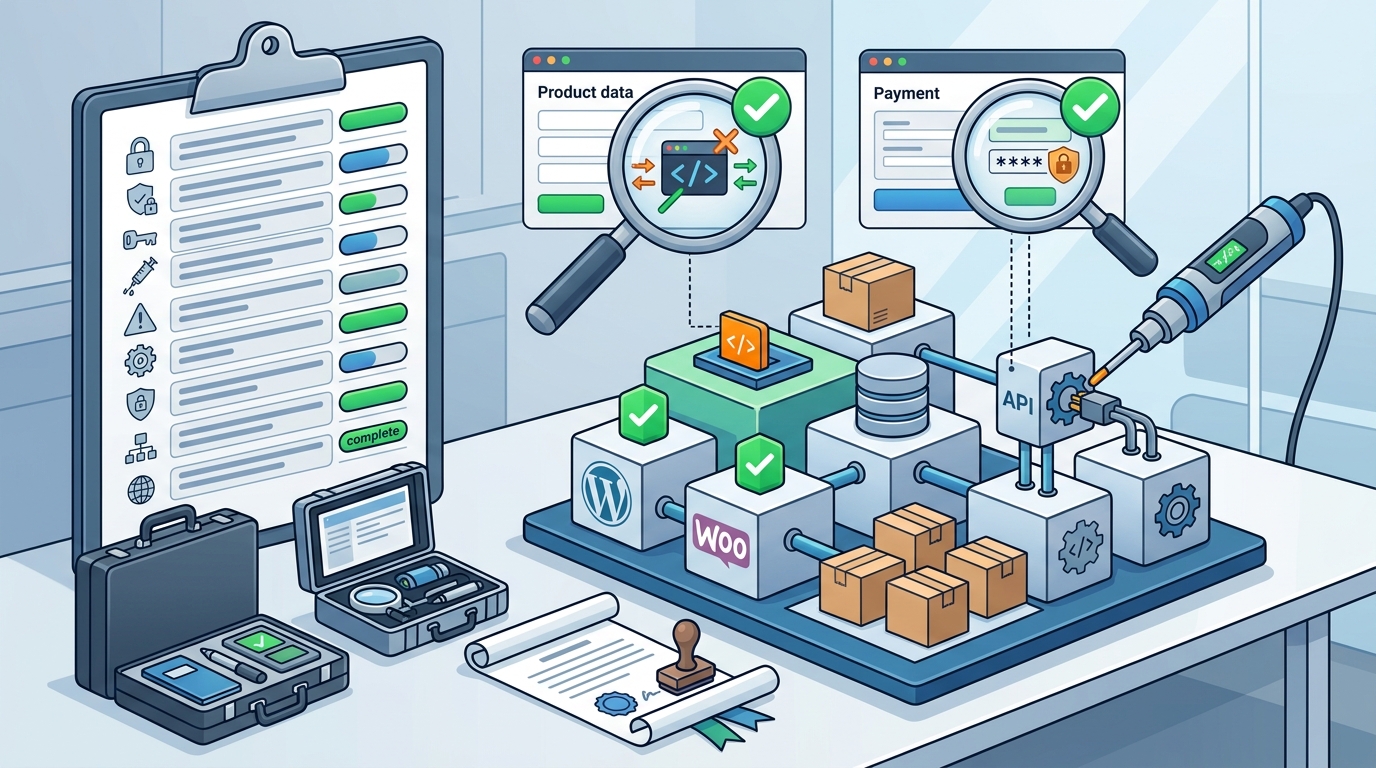
Assessment Scope Definition
Choosing the Testing Model
Defining the Testing Depth
Specify which OWASP Top 10 categories require deep analysis. For example, if your site handles sensitive customer data, Broken Access Control and Cryptographic Failures should be prioritized. This ensures the assessment aligns with your specific business risks.
Rules of Engagement
Rules of engagement are the legal and operational guidelines that govern the penetration test. These rules protect both the client and the tester from liability. In Slovenia, written authorization is a legal requirement for any security testing activity. For additional details, review the Ra unalni ar Sebastijan.
Legal Authorization
A formal written authorization document must be signed by an authorized representative of the organization. This document outlines the scope, duration, and permitted testing techniques. Without this document, the testing activity may be considered illegal under local laws.
Operational Constraints
Define the time windows during which testing is permitted. Avoid testing during peak business hours if the test could cause service disruption. Also, specify any prohibited techniques, such as denial-of-service attacks or social engineering of employees.
Testing Environment Preparation
Testing environment preparation ensures that the security assessment does not disrupt live operations. This involves setting up a safe environment where the tester can perform aggressive testing without affecting real customers.
Backup and Recovery
Before any testing begins, a full backup of the database and file system must be created. This backup should be stored securely and tested for integrity. If the testing environment becomes corrupted, the backup allows for a quick restoration.
Monitoring and Logging
Enable enhanced logging during the testing period. This includes web server logs, application logs, and security event logs. These logs help the tester track their actions and provide evidence of the testing process.
Staging Environment Preparation
Staging environment preparation involves creating a replica of the production site in a non-public environment. This is the preferred environment for penetration testing, as it allows for aggressive testing without risk to live users.
Replicating Production Data
The staging environment should contain a representative sample of production data. This includes user accounts, product catalogs, and order histories. However, sensitive data such as credit card numbers should be masked or anonymized to comply with data protection regulations.
Ensuring Parity with Production
WordPress and WooCommerce Specific Coverage
WordPress and WooCommerce specific coverage focuses on the unique security risks associated with these platforms. These platforms are popular targets for attackers due to their widespread use and the availability of third-party plugins.
Plugin and Theme Vulnerabilities
WooCommerce Checkout Security
The WooCommerce checkout process is a critical area for security testing. This includes testing for payment data exposure, session hijacking, and order manipulation. The assessment should verify that sensitive data is encrypted in transit and at rest.
Remediation and Retesting
Remediation and retesting is the final phase of the security assessment. After the initial test, the client addresses the identified vulnerabilities, and the tester verifies that the fixes are effective.
Addressing Findings
Develop a remediation plan based on the severity of the findings. Critical and high-severity vulnerabilities should be addressed immediately. Medium and low-severity issues can be scheduled for future updates.
Verification Testing
Once the fixes are implemented, the tester performs retesting to verify that the vulnerabilities have been resolved. This step ensures that the security posture of the site has improved and that no new issues have been introduced by the fixes.
Key Takeaways
- Scope definition is the first step in scheduling a security assessment, ensuring clear boundaries for testing.
- Written authorization is a legal requirement in Slovenia for any penetration testing activity.
- A staging environment is the preferred location for aggressive security testing.
- WordPress and WooCommerce sites require specific attention to plugin and theme vulnerabilities.
- Remediation and retesting are essential to verify that identified vulnerabilities have been fixed.
- Enhanced logging and backups are critical for safe and effective testing.
- Regular security assessments are necessary to maintain a strong security posture.
Frequently Asked Questions
How long does an OWASP Top 10 assessment take?
The duration depends on the scope and complexity of the site. A typical assessment for a WordPress or WooCommerce site takes between 3 to 10 business days.
Do I need to take my site offline for testing?
No, testing is usually performed on a staging environment. If testing on production, it is done during low-traffic hours to minimize disruption.
What is the difference between a vulnerability scan and a penetration test?
A vulnerability scan is an automated check for known issues. A penetration test is a manual, in-depth evaluation that simulates real-world attacks.
Can you test my site without a staging environment?
Yes, but it is less ideal. Testing on production carries a higher risk of disruption and requires stricter operational constraints.
How often should I schedule a security assessment?
It is recommended to schedule an assessment at least once a year, or after any major changes to the site, such as new plugin installations or platform upgrades.
What happens if a critical vulnerability is found?
The tester will immediately notify the client and provide detailed instructions for remediation. The client should address the issue as soon as possible.