

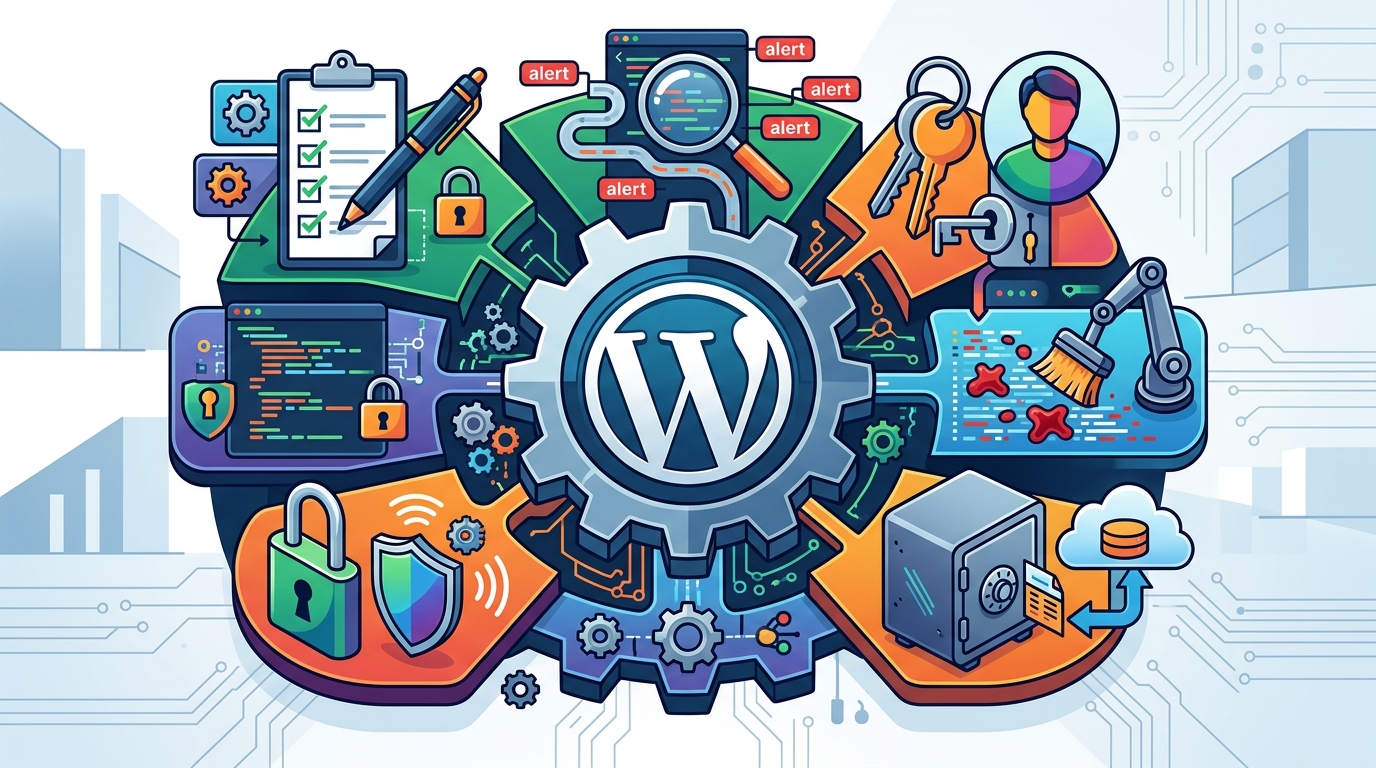
A WordPress security audit is a structured evaluation of a site's configuration, code, and infrastructure to identify vulnerabilities before attackers exploit them. This guide covers the six essential components of a professional audit: configuration hardening, vulnerability scanning, user access control, malware detection, backup procedures, and SSL/TLS security. Računalničar, Sebastijan Bandur s.p. provides these services in Maribor, Slovenia, using AI-native testing and traditional security tools to ensure comprehensive protection for your digital assets.
WordPress Configuration Hardening
Configuration hardening is the process of adjusting system settings to reduce the attack surface of a web application. For WordPress, this involves modifying core files, server configurations, and plugin settings to prevent unauthorized access and data leakage. A secure WordPress installation is one that follows the principle of least privilege, where users and processes only have the access they strictly need to function. For additional details, review the Storitve Ra unalni ar.
Core File Protection
The wp-config.php file contains sensitive information such as database credentials and security keys. Auditors verify that this file is protected from direct web access and that security keys are unique and strong. Additionally, the wp-config.php file should be moved outside the web root directory if possible, or protected via server-level rules to prevent information disclosure.
Directory Permissions
File and directory permissions are a critical layer of defense. Standard practice dictates that directories should have permissions set to 755 and files to 644. The wp-content directory, which holds themes, plugins, and uploads, requires special attention. The uploads subdirectory must be writable by the web server to allow media uploads, but it must be protected against the execution of PHP scripts to prevent remote code execution attacks.
Disabling File Editing
WordPress allows users with administrator privileges to edit theme and plugin files directly from the dashboard. This feature is a significant security risk if an admin account is compromised. Auditors recommend defining DISALLOW_FILE_EDIT as true in the wp-config.php file to disable this feature, forcing all code changes to be made via secure file transfer or version control systems.
Vulnerability Scanning
Vulnerability scanning is the automated or manual process of identifying security weaknesses in a web application. In the context of WordPress, this includes checking for known vulnerabilities in the core software, themes, and plugins. A vulnerability scan is a systematic review of a system to find exploitable flaws before malicious actors do.
Core and Plugin Updates
Outdated software is the primary cause of WordPress compromises. Auditors verify that the WordPress core, all active themes, and all plugins are updated to their latest versions. They also check for plugins that are no longer maintained or have known critical vulnerabilities. Using tools like security testing services ensures that these checks are performed with professional-grade accuracy.
Automated Scanning Tools
Professional audits often employ automated scanners to detect common issues such as SQL injection, cross-site scripting (XSS), and remote file inclusion. These tools simulate attacks to identify weaknesses in the application's logic and input handling. While automated scans are efficient, they should be supplemented by manual testing to catch complex, logic-based vulnerabilities that scripts might miss.
Dependency Analysis
Modern WordPress sites rely on numerous third-party libraries and dependencies. Auditors analyze these dependencies to ensure they are free of known vulnerabilities. This includes checking for outdated versions of JavaScript libraries, PHP extensions, and other components that may be bundled with themes or plugins.
User Access Control
User access control is the mechanism that determines who can view or interact with resources within a system. In WordPress, this is managed through the role and capability system. Proper access control ensures that users can only perform actions appropriate to their role, preventing privilege escalation and unauthorized data access.
Role and Capability Review
Account Hygiene
Login Security
The login page is a common target for brute-force attacks. Auditors check for measures that protect the login page, such as limiting login attempts, implementing CAPTCHA, and hiding the login URL. These measures make it significantly harder for attackers to gain unauthorized access to the site.
Malware Detection
Malware detection is the process of identifying malicious code that has been injected into a website. Malware can be introduced through vulnerable plugins, compromised admin accounts, or server-level exploits. A malware scan is a deep inspection of a system to detect and remove malicious software.
File Integrity Monitoring
File integrity monitoring compares the current state of files on the server against a known good baseline. If a file has been modified, the system flags it for review. This is particularly useful for detecting backdoors and web shells that attackers may hide in legitimate files. Regular integrity checks ensure that any unauthorized changes are identified and addressed promptly.
Code Review
Manual code review involves inspecting the source code of themes, plugins, and core files for suspicious patterns. Attackers often obfuscate their code to make it harder to detect. Auditors look for signs of obfuscation, such as base64-encoded strings, eval() functions, and unusual character sequences. This level of scrutiny is essential for catching sophisticated malware that automated scanners might miss.
Server Logs Analysis
Server logs provide a record of all activity on the web server. Auditors analyze these logs to identify suspicious behavior, such as repeated failed login attempts, unusual file access patterns, or requests to known malicious URLs. Log analysis helps in understanding the scope of a compromise and identifying the entry point used by the attacker.
Backup Procedures
Backup procedures are the strategies and processes used to create copies of data to protect against data loss. In the context of WordPress, backups are essential for recovering from malware infections, accidental deletions, or server failures. A robust backup strategy is a set of policies and procedures for regularly creating and storing copies of data.
Backup Frequency and Scope
The frequency of backups should be determined by the rate of data change on the site. For high-traffic sites with frequent updates, daily backups are recommended. For less active sites, weekly backups may suffice. Backups should include the database, core files, themes, plugins, and media files. Excluding certain files, such as temporary files or logs, can reduce backup size and improve performance.
Backup Storage and Redundancy
Backups should be stored in a secure location separate from the primary server. This ensures that a server compromise does not also compromise the backups. Cloud storage services are a popular choice for backup storage due to their scalability and reliability. It is also recommended to maintain multiple copies of backups in different locations to protect against data loss due to hardware failure or natural disasters.
Backup Restoration Testing
A backup is only as good as its ability to be restored. Auditors recommend regularly testing backup restoration to ensure that backups are valid and can be used to recover the site. This involves restoring a backup to a test environment and verifying that the site functions correctly. Regular restoration testing helps identify issues with backup integrity and ensures that the site can be recovered quickly in the event of a disaster.
SSL/TLS Security
SSL/TLS security is the use of encryption protocols to secure data in transit between a web server and a client. SSL (Secure Sockets Layer) and TLS (Transport Layer Security) are cryptographic protocols that provide secure communication over a computer network. A secure connection is one that uses strong encryption algorithms and up-to-date protocol versions to protect data from interception and tampering.
Certificate Management
SSL certificates are digital certificates that authenticate the identity of a website and enable encrypted connections. Auditors verify that SSL certificates are valid, not expired, and issued by a trusted certificate authority (CA). They also check that the certificate covers all domains and subdomains used by the site. Let's Encrypt is a popular free CA that provides automated certificate issuance and renewal.
Protocol and Cipher Suite Configuration
The configuration of SSL/TLS protocols and cipher suites is critical for ensuring strong encryption. Auditors check that outdated protocols such as SSLv3 and TLS 1.0 are disabled, and that only modern protocols such as TLS 1.2 and TLS 1.3 are enabled. They also verify that strong cipher suites are used, which provide a good balance between security and performance. Weak cipher suites, such as those using RC4 or DES, should be disabled.
HSTS Implementation
HTTP Strict Transport Security (HSTS) is a web security policy mechanism that helps protect websites against protocol downgrade attacks and cookie hijacking. HSTS instructs browsers to only connect to the website over HTTPS, preventing attackers from forcing a downgrade to HTTP. Auditors recommend implementing HSTS with a long max-age value to ensure that browsers remember the policy for an extended period.
Comparison of Security Audit Components
| Component | Primary Goal | Key Tools/Methods | Frequency |
|---|---|---|---|
| Configuration Hardening | Reduce attack surface | File permissions, wp-config.php, server rules | Quarterly |
| Vulnerability Scanning | Identify known flaws | Automated scanners, manual testing | Monthly |
| User Access Control | Prevent unauthorized access | Role review, MFA, login protection | Quarterly |
| Malware Detection | Identify malicious code | File integrity, code review, log analysis | Monthly |
| Backup Procedures | Ensure data recoverability | Automated backups, restoration testing | Daily/Weekly |
| SSL/TLS Security | Secure data in transit | Certificate management, protocol configuration | Quarterly |
Key Takeaways
- Configuration hardening reduces the attack surface by securing core files and server settings.
- Vulnerability scanning identifies known flaws in core, themes, and plugins.
- User access control ensures that users only have the permissions they need.
- Malware detection involves file integrity monitoring and manual code review.
- Backup procedures must include regular testing to ensure data recoverability.
- SSL/TLS security requires strong encryption protocols and proper certificate management.
- Professional audits combine automated tools with manual testing for comprehensive coverage.
- Regular audits are essential for maintaining the security of a WordPress site.
Frequently Asked Questions
How often should a WordPress security audit be performed?
A full security audit should be performed at least quarterly. More frequent audits, such as monthly, are recommended for high-traffic sites or those handling sensitive data. Automated vulnerability scans can be performed more frequently, such as weekly or daily.
What is the difference between a vulnerability scan and a penetration test?
A vulnerability scan is an automated process that identifies known security weaknesses. A penetration test is a manual, in-depth assessment where a security professional attempts to exploit vulnerabilities to demonstrate potential impact. Penetration tests provide a deeper understanding of security risks.
Can I perform a security audit myself?
Basic security checks, such as updating plugins and enabling MFA, can be performed by site owners. However, a comprehensive security audit requires specialized knowledge and tools. Professional auditors have the expertise to identify complex vulnerabilities and provide actionable recommendations.
What are the signs of a WordPress site being compromised?
Signs of a compromise include unexpected redirects, unknown files in the wp-content directory, unauthorized admin accounts, and sudden drops in search engine rankings. Regular monitoring and malware scanning can help detect these signs early.
Is SSL/TLS necessary for a WordPress site?
Yes, SSL/TLS is essential for securing data in transit. It protects sensitive information such as login credentials and payment details from interception. Additionally, search engines like Google give a ranking boost to HTTPS sites, making SSL/TLS important for SEO as well.
How do I choose a security plugin for WordPress?
When choosing a security plugin, consider features such as malware scanning, firewall protection, and login security. Look for plugins that are regularly updated and have a good reputation in the WordPress community. It is also important to ensure that the plugin does not conflict with other plugins or themes on your site.
What is the role of AI in WordPress security audits?
AI can be used to automate certain aspects of security audits, such as vulnerability scanning and log analysis. AI-powered tools can identify patterns and anomalies that may indicate a security threat. However, AI should be used as a supplement to, not a replacement for, human expertise in security assessments.
Where can I find professional WordPress security services in Slovenia?
Računalničar, Sebastijan Bandur s.p. offers professional WordPress security services in Maribor, Slovenia. They provide comprehensive security audits, penetration testing, and AI-native security solutions. You can start a pentest brief to discuss your specific security needs.
Conclusion
A comprehensive WordPress security audit is essential for protecting your website from cyber threats. By focusing on configuration hardening, vulnerability scanning, user access control, malware detection, backup procedures, and SSL/TLS security, you can significantly reduce your risk of compromise. Računalničar, Sebastijan Bandur s.p. provides expert security services in Maribor, Slovenia, combining traditional security practices with AI-native testing to ensure your site is secure. To protect your digital assets, for a professional security audit.